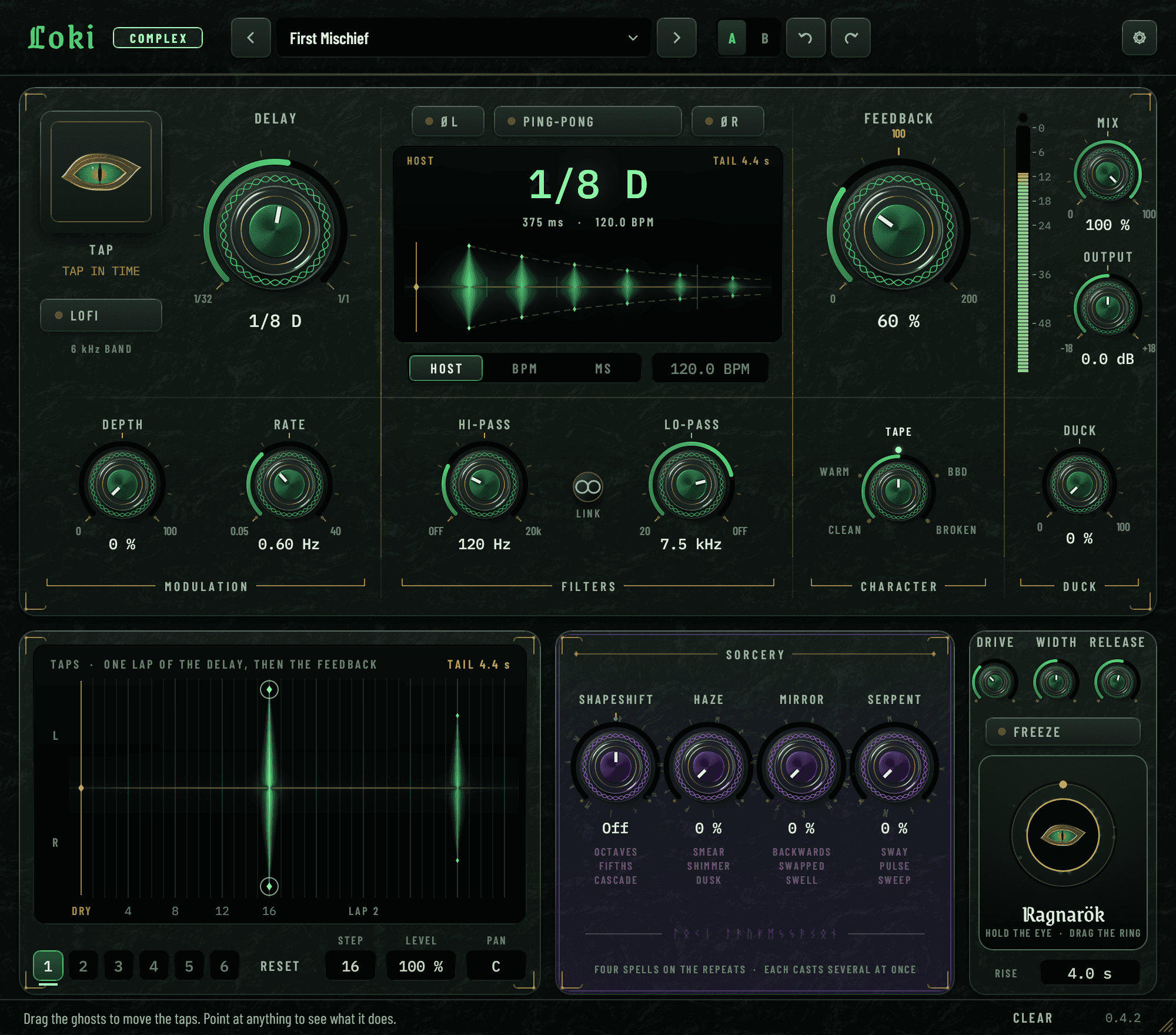
Buy LOKI Delay Complex, or get LOKI Delay Mini for free. The license goes to your Cadencea account.
2
Open Cadencea Vault
Sign in with the same account. Cadencea Vault is free for Windows and macOS.
3
Go to Plugins
Your plugins are listed in Vault under Plugins, ready to activate on this computer.
4
Install
Vault activates the license on this computer and installs the plugin for your DAW.
System requirements
What you need.
Windows
Windows 10 or later, 64-bit (x64). VST3 and CLAP.
macOS
macOS 12 or later, universal (Apple Silicon and Intel). VST3, CLAP and Audio Unit.
Install and activate
Cadencea Vault, free for Windows and macOS, signed in with your Cadencea account.
Computers
Up to 3 computers per license. Free a computer any time in Cadencea Vault or on your account page.
FAQ
Licenses, computers and Vault.
Who owns the license?
Your Cadencea account. The license follows the account, not a computer: sign in to Cadencea Vault with the same account on any of your computers and your plugins are there.
How many computers can I use it on?
Up to 3 at the same time. Each computer you activate in Cadencea Vault uses one of them.
I got a new computer. How do I move my license?
Deactivate the old computer any time, in Cadencea Vault ▸ Plugins on that computer or on your account page on this website, then activate the new one in Cadencea Vault.
Do I need Cadencea Vault?
Yes, to install and activate. Cadencea Vault is free for Windows and macOS.
Can I try it first?
LOKI Delay Mini is the way to try it: it is free. LOKI Delay Complex has no trial; without a license it passes audio through unchanged and asks you to activate it in Cadencea Vault.
Which formats and systems are supported?
VST3 and CLAP on Windows 10 or later (64-bit) and macOS 12 or later (Apple Silicon and Intel), plus Audio Unit on macOS.